
Burner Email Generator Built for One-Time Tasks
A burner address creates a clean boundary between a short interaction and the inbox you plan to keep for years.
Ready Without Registration
The burner email generator opens with an address already available. There is no new account profile, recovery setup, or password to remember before you can receive a message.
A Real Temporary Inbox
Read confirmation emails, one-time passwords, event tickets, and download links in the browser. A burner email address is disposable, but the messages it receives are real.
A Clear Expiration Window
The countdown shows how long the current address remains available. Finish the task and collect any legitimate file before the mailbox and its messages leave the retention window.
Less Long-Term Exposure
A site cannot keep sending to your primary address if it never received it. The burner email generator limits the value of a leaked or resold signup list.
Replace Instead of Unsubscribe
If the interaction turns noisy, create a new burner address rather than hunting through preference centers. The original address can expire without affecting important correspondence.
Separate Short Projects
Use one inbox for an event, another for a vendor quote, and another for a product trial. Separation makes it obvious which source sent each follow-up.
Use a Burner Email Address in Three Steps
Open a Burner Inbox
Visit the burner email generator and copy the address shown at the top. Change the available domain or local name if the current task needs a distinct label.
Complete the Short Task
Use the address for the event registration, trial, quote request, gated download, or verification flow. Incoming mail appears in the active inbox.
Collect and Leave
Copy the code, open the legitimate link, or download the expected attachment. Then stop using the address and let the temporary mailbox expire.
Practical Burner Email Address Scenarios
Choose burner mail when the relationship is brief and replaceable, not when an account must be recovered months later.
Event Registration
Receive an RSVP confirmation, venue update, or check-in code without adding another promoter to your permanent inbox.
Single Purchase Research
Request one coupon or stock notification while comparing stores. Use your real address only when placing an order that needs receipts and support.
Gated Reports
Open a report, template, or sample download and keep the vendor’s nurture campaign separate from daily mail.
Short Game Sessions
Try a replaceable game or community account without linking it to an address used for payment, recovery, or long-term identity.
Vendor Quotes
Give each early-stage supplier inquiry its own temporary inbox. You can identify the source of follow-ups and move chosen vendors to a permanent channel later.
Trial Accounts
Evaluate onboarding and basic features with a burner address. Do not attach paid data or important work to an inbox designed to expire.
Burner Email Generator With Inbox Access
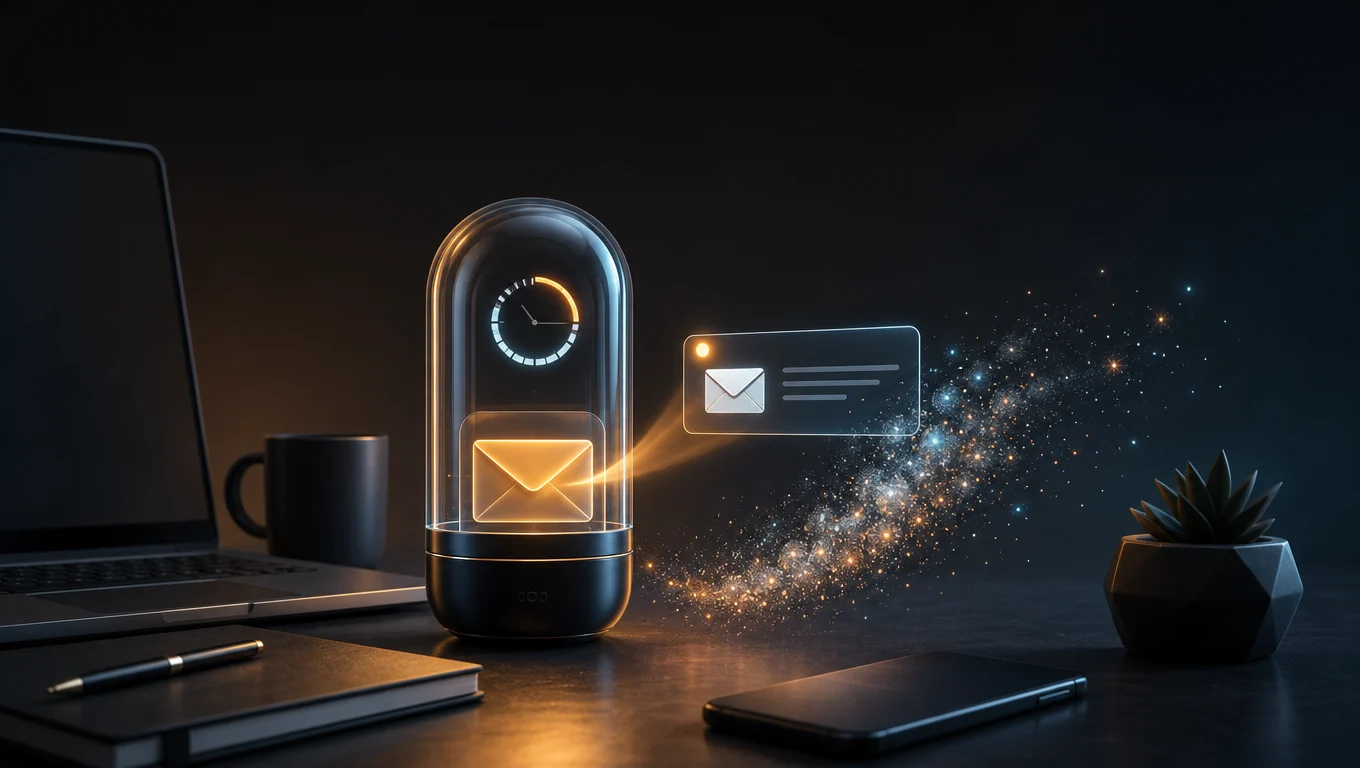
Receive the Code Before the Address Expires
The burner email generator pairs each disposable address with a readable inbox. New messages can contain HTML, plain text, verification codes, links, and attachments. Keep the page open until the expected delivery arrives, then finish the one-time interaction. The tool reduces future inbox clutter; it does not make unsafe links trustworthy.
Burner Email vs Permanent Email
Match the Inbox Lifetime to the Relationship
A burner address is faster to abandon and reveals less about your long-term identity. A permanent account is better for recovery, purchase records, subscriptions, support, and relationships you intend to keep. Use the burner email generator only when losing the address later will not create a problem. Privacy improves when the channel fits the task.
Burner Email Generator FAQ
How one-time inboxes work, what expires, and which accounts should always use permanent contact details.
Open a Burner Inbox for the Next Short Task
Receive what you need now without creating another permanent source of inbox clutter.