Fake Mail Generator for Real Inbox Testing
A fake address is useful only when the message actually arrives. These six capabilities make it practical for testing and privacy.
Working Inbox, Not a Placeholder
The fake mail generator creates an address connected to a live inbox. Receive confirmation links, security notices, and one-time codes instead of inventing an address that cannot accept mail.
No Personal Identity Required
Open the fake mail generator without a name, phone number, recovery address, or password. The temporary mailbox stays separate from the identity attached to your everyday email account.
Reliable Form and QA Checks
Test registration, onboarding, password-reset, and newsletter flows with an address you can inspect. Developers can verify the full customer journey without filling a shared test inbox with noise.
A Buffer Against Unknown Sites
Use a fake email address when a download, forum, Wi-Fi portal, or survey asks for email before you know whether the sender is trustworthy. Your primary mailbox remains undisclosed.
Messages and Attachments
The inbox can display plain text and HTML messages and expose downloadable attachments. That makes the fake mail generator suitable for realistic product demos, not just code delivery.
A Fresh Address on Demand
When a test run ends or a site starts sending promotions, refresh the address and begin again. There is no old account to close and no alias rule to maintain.
Create a Fake Email Address in Three Steps
Generate the Test Address
Open the fake mail generator and a working address appears automatically. Choose another available domain or set a custom local name when the test needs a recognizable label.
Submit the Form
Paste the address into the registration, trial, survey, or app flow you are checking. Keep this page open so the inbox can receive the next message in real time.
Inspect the Result
Read the email, copy the verification code, follow the confirmation link, or download the attachment. Generate another address before the next scenario to keep test cases isolated.
Where a Fake Mail Generator Is Useful
Use a disposable address for reversible tasks. Keep your permanent email for accounts whose recovery and history matter.
Software QA
Create separate users for happy-path, error-state, and localization tests. A fake mail generator keeps each verification trail in its own temporary inbox.
Product Demonstrations
Walk through onboarding during a sales call without exposing an employee inbox on screen. The demo message arrives in a clean mailbox created for that session.
Guest Wi-Fi Portals
Some airports, hotels, and event venues demand an email before granting access. Use a temporary address when you do not want follow-up promotions after leaving.
One-Time Downloads
Receive a download link, sample asset, or gated report while keeping marketing automation away from your main inbox.
Forums and Communities
Evaluate a new community before linking it to your long-term identity. Move to a permanent address later if the account becomes important.
Form Automation
Manually validate test scripts with unique inboxes before running larger automated suites. The random local part also reveals workflows that wrongly assume familiar address patterns.
Fake Mail Generator With a Working Inbox
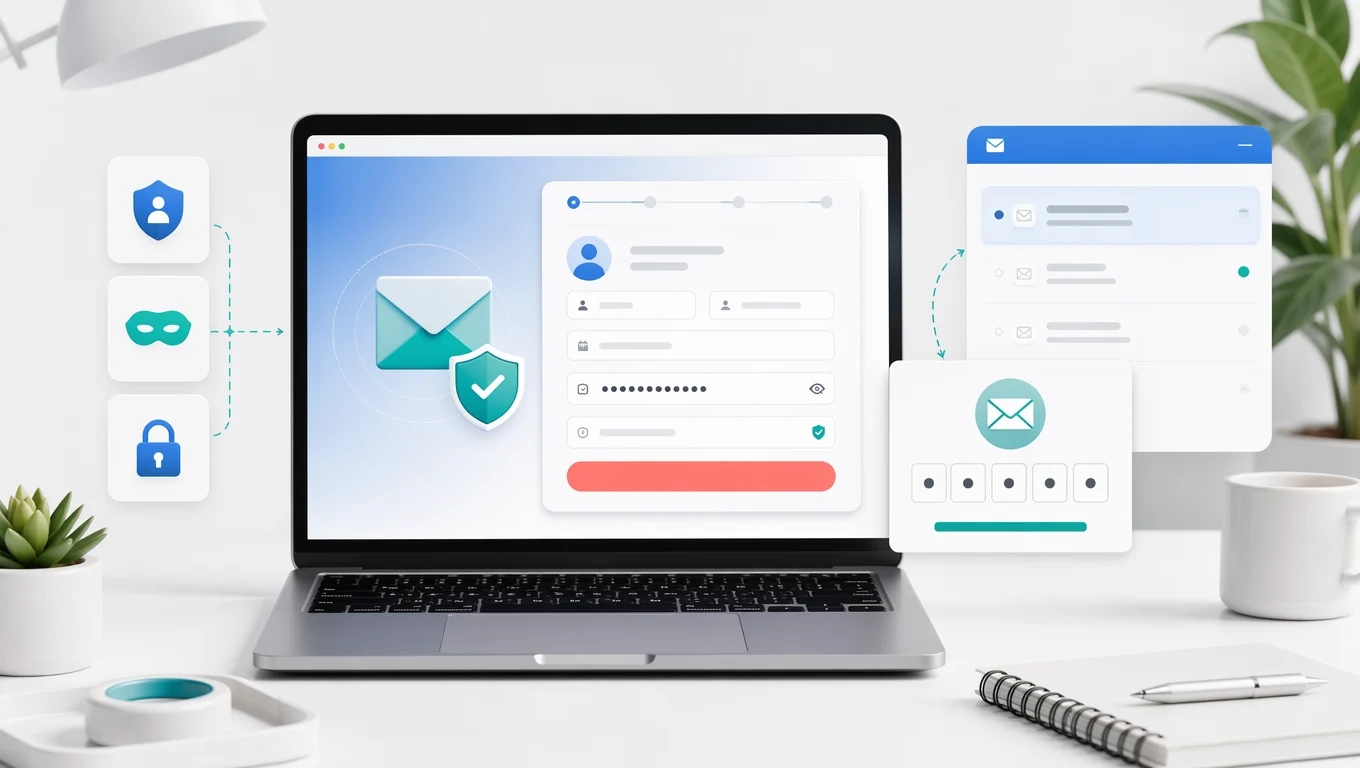
See the Message Your Test Actually Sends
A made-up address can test client-side validation, but it cannot prove that delivery works. This fake mail generator gives the address a real inbox, so you can inspect subject lines, layouts, links, codes, and attachments from end to end. Use it for disposable workflows, never for an account you cannot afford to lose.
Fake Email Maker for Privacy, Not Deception
Use a Separate Inbox Without Impersonating Anyone
The address is “fake” only because it is temporary and detached from your personal identity. Messages are real, and normal site rules still apply. Do not use a fake mail generator for fraud, harassment, account evasion, or any service that requires a durable recovery address. For banking, work, healthcare, and paid purchases, use an account you control long term.
Fake Mail Generator Questions
What a working fake address can do, where it is appropriate, and when a permanent mailbox is the better choice.
Create a Working Fake Email Address
Run the test, receive the message, and keep your personal inbox out of the workflow.