
Receive-only email API · Free to start
Real inboxes for your agents and tests
Spin up a disposable email address with one API call, then read verification codes, magic links and attachments as JSON. No SMTP setup, no shared inboxes, no flaky test accounts.
No sign-up · No credit card · No API key needed
Works with the tools you already use
- Claude Code
- Cursor
- Playwright
- Cypress
- Selenium
- Puppeteer
- n8n
- Zapier
- Python
- Node.js
Any agent, test runner or script that can make an HTTP request.
Use cases
Built for code that needs to check its email
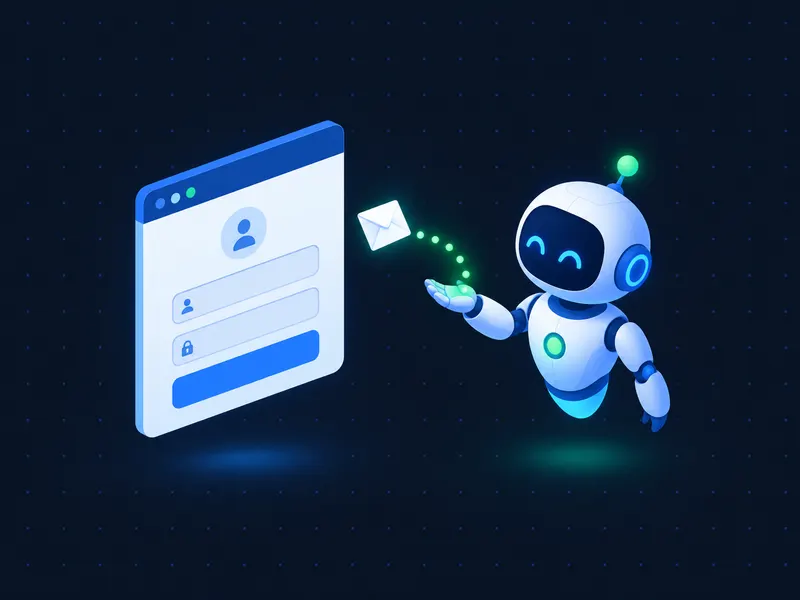
AI agents that sign up on their own
Let Claude Code, browser agents and autonomous workflows create an inbox, register on a site and fetch the verification code — without a human copying codes.
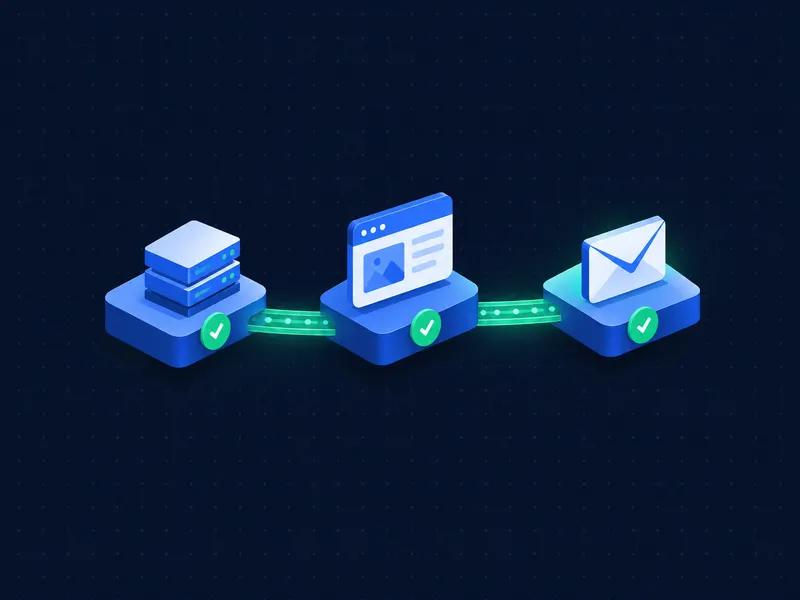
End-to-end tests that actually test email
Give every Playwright or Cypress run a fresh inbox. Assert on subject, body and links, then throw the inbox away.
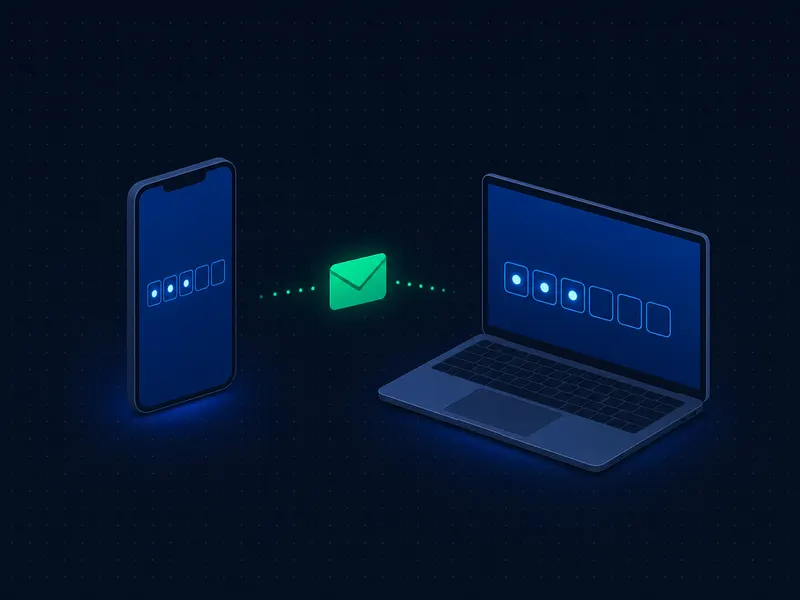
Sign-up and OTP flows in QA
Verify welcome emails, OTP codes and password resets across environments without maintaining a pool of test Gmail accounts.

Scrapers and automation scripts
Handle email confirmation steps inside scripts and no-code workflows with a simple REST call.
How it works
Three steps, no setup
- 01
Create a mailbox
POST /accounts returns a fresh random address and a password. No account or API key required.
- 02
Trigger the email
Use the address to sign up, reset a password or run your test. Mail usually arrives within seconds.
- 03
Read the code
Exchange the password for a mailbox token and fetch messages as JSON. Verification codes are extracted for you.
Quickstart
From zero to verification code in three requests
Copy, paste and run. These examples use the anonymous Disposable API, so there is nothing to sign up for.
BASE=https://www.tempmail.ai/api/v1

# 1. Create a mailbox (random address + password)
curl -s -X POST "$BASE/accounts" \
  -H "Content-Type: application/json" -d '{}'
# {"id":"…","address":"k3x9m2q7…@tempmail.ai","password":"…","expires_at":"…"}

# 2. Exchange the credentials for a mailbox token
curl -s -X POST "$BASE/token" \
  -H "Content-Type: application/json" \
  -d '{"address":"ADDRESS","password":"PASSWORD"}'
# {"id":"…","token":"tm_box_…","token_type":"Bearer","expires_at":"…"}

# 3. Read messages – verification codes are already extracted
curl -s "$BASE/messages" -H "Authorization: Bearer TOKEN"
# {"items":[{"from":"[email protected]","subject":"Your verification code","verification_code":"482913",…}],"total":1,…}Capabilities
Everything you need to read email from code
Automatic code extraction
OTP and verification codes are parsed from every message and returned as verification_code, so you don't write regex.
Full message access
HTML, plain text and the raw RFC 822 source of every message.
Attachments
List and download attachments through the same authenticated API.
Private by design
Each mailbox is readable only with its own token. Knowing an address is never enough to read it.
OpenAPI 3.1 spec
A machine-readable spec that agents, code generators and HTTP clients can consume directly.
Predictable limits
Every response carries rate-limit headers and a request ID, so your code knows exactly when to retry.
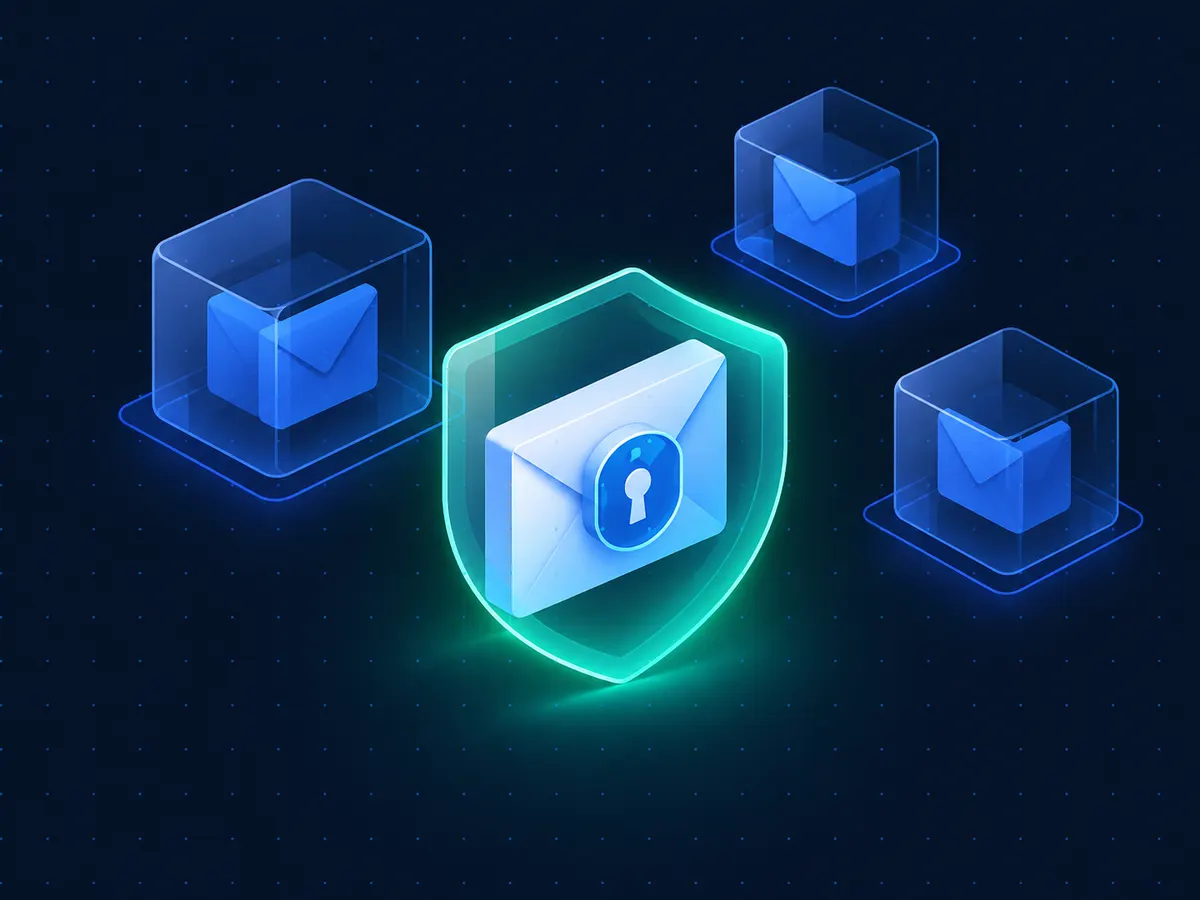
Security & privacy
Built so nobody reads mail they shouldn't
- Mailbox passwords and tokens are stored only as hashes. A lost token can't be read back by anyone — including us.
- Every message belongs to a single mailbox instance — a recycled address never exposes old mail.
- Mailboxes expire after 24 hours, and you can delete a mailbox or a single message at any time.
- Receive-only: the API can't be used to send, reply to or forward email.
Frequently asked questions
Give your agent an inbox in under a minute
No sign-up. No credit card. Receive your first email today.
Already have an API key? Manage it in your dashboard