
Random Email Generator for Unique Test Addresses
Randomization is most valuable when every generated address can also receive and display the result of the workflow.
A Different Local Part
The random email generator assigns a fresh username instead of recycling a familiar alias. Unique inputs help expose systems that incorrectly cache or merge users by email.
Inbox Included
Each generated address connects to an inbox, so you can confirm delivery rather than stopping at form submission. Read verification codes, links, and supported attachments.
Multiple Isolated Scenarios
Create one address for onboarding, one for password reset, and one for cancellation. Separate inboxes make it easier to identify which workflow produced each message.
Optional Custom Names
Random is convenient, but some manual tests need a recognizable local part. Choose a custom name when available, then return to random generation for the next clean case.
Available Domain Choice
Combine a randomized username with another available domain when the first domain is rejected. Website acceptance remains outside the generator’s control.
Disposable by Design
The address is intended for replaceable interactions, not long-term ownership. Finish the test or registration before expiration and use permanent email for valuable accounts.
Generate a Random Email Address in Three Steps
Create a Unique Address
Open the random email generator and copy the automatically assigned address. Refresh when you want another random local part or choose a different available domain.
Run One Scenario
Use that address for a single QA case, product demo, survey, or replaceable registration. Keeping one scenario per inbox makes later diagnosis much clearer.
Check the Inbox
Inspect the resulting message, code, link, or attachment. Record only non-sensitive test evidence, then generate a new address before the next independent case.
Random Email Addresses for Testing and Privacy
Unique addresses solve different problems for developers, designers, support teams, researchers, and people protecting a personal inbox.
Regression Testing
Avoid collisions with accounts left by earlier test runs. A random email generator supplies a new identifier for every registration cycle.
Localization QA
Create separate recipients for each locale and compare translated subject lines, layouts, date formats, and fallback behavior without mixing results.
Role-Based Accounts
Give administrator, member, guest, and suspended-user scenarios distinct inboxes so permission emails remain easy to attribute.
Support Reproduction
Recreate a customer journey with a clean address and capture the exact transactional messages without asking for access to the customer’s mailbox.
Demo Environments
Start each demonstration with a new user and a blank inbox. The audience sees the complete delivery flow without exposing internal company mail.
Low-Stakes Registrations
Use a unique disposable address for a replaceable form when you do not want the site to learn or retain your primary email.
Random Email Generator With Real Delivery
Random Data That Can Complete the Workflow
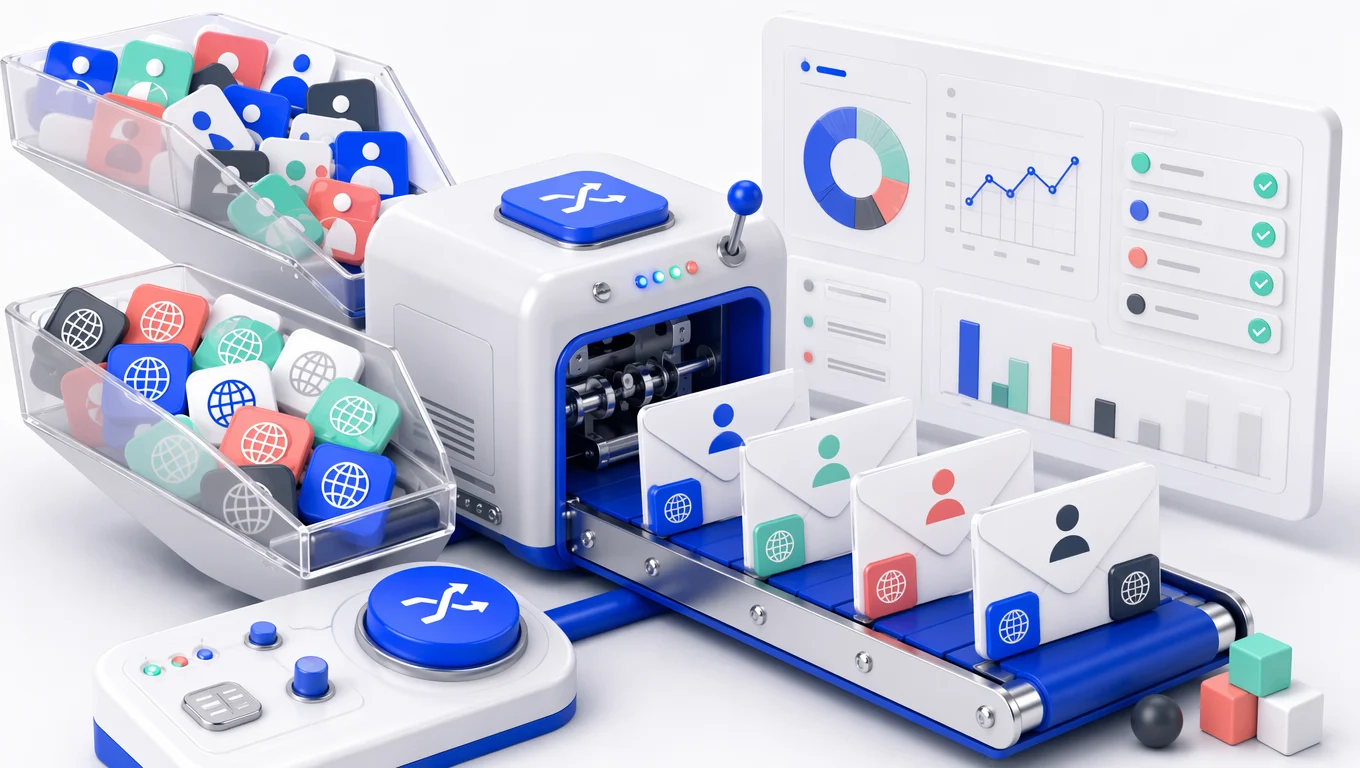
Static fake-data libraries are useful for filling a field, but they cannot receive the next step. This random email generator creates a unique address backed by an inbox, letting you test registration, verification, notification, and reset messages end to end. It is a lightweight manual QA tool, not a bulk mailbox API or guaranteed automation service.
Random Address or Custom Email Name
Use Randomness Until a Test Needs Meaning
Random local parts prevent accidental reuse and are ideal for clean-room tests. Custom names make screenshots, locale checks, and role-based scenarios easier to follow. Switch between both approaches while the selected domain supports them. In either mode, the mailbox remains temporary, so do not attach irreplaceable records or long-term account recovery to it.
Random Email Generator FAQ
How unique addresses work, what the inbox receives, and the limits to consider before using generated email in a test or sign-up.
Generate a New Random Email Address
Start the next test or replaceable registration with a unique address and an empty working inbox.